Every office has its own wireless router, but that doesn’t mean that every office Wi-Fi network offers ideal coverage. In fact, according to Cisco, most offices have at least one dead zone. Many factors can contribute to this phenomenon, from multipath interference to blockage from obstacles like walls, ceilings, and even other wireless devices.
But knowing what causes a problem and knowing how to solve it are two different things. And usually, there just isn’t enough time to properly diagnose the problem, much less develop and deploy a complex solution to it.
This is where wireless repeaters come into play. These simple devices do exactly what you’d expect. They repeat incoming wireless signals and broadcast them further, effectively extending the range of any Wi-Fi signals they encounter. These devices are also commonly called wireless extenders and wireless boosters. For our purposes, there is effectively no difference between these interchangeable terms.
Know Your Network to Identify the Best Wireless Repeater for Your Workspace
There are few key elements to take into consideration before buying a wireless repeater for your workspace. Network compatibility is a major one.
Your office Wi-Fi network operates at a certain frequency, using a certain network platform and a specific hardware set. You have to make sure your wireless repeater supports the network protocol you actually use.
This means you have to become familiar with the difference between 802.11 protocols. Although it might seem like a challenge, the best option is to buy equipment with the latest protocol and make sure its backwards-compatible. That way, you are covered regardless of which protocol your office equipment actually uses.
As of May 2018, the most recently approved standard is 802.11aj, primarily used in China. It was developed specifically for backwards-compatibility, so it’s easy to see that developers’ incentives are aligned with those of consumers.
Most North American offices use 802.11ac or 802.11n, both of which are backwards-compatible with previous technologies. These are the protocols you’ll want your wireless repeater to use.
Security is another concern. Make sure your wireless repeater supports the encryption protocol your network uses. Look for WPA2 encryption, the most popular protocol not to feature outstanding vulnerabilities.
Consider Wireless Repeater Features and Placement
There is a wide disparity in the price of wireless repeaters available on the market. A $40 repeater can technically do as good a job as a $150 one. However, you should be aware of the factors that will affect performance.
For instance, if your office is an unusual space – architecturally speaking – you may get better results purchasing a larger number of less-powerful wireless repeaters than a single fully-featured one. Your cool office may present numerous coverage gaps that can only be filled by having a repeater nearby.
Even if the peculiarities of your office space are not a concern, there are some features you want to place extra importance on. Ease of installation is a chief concern for almost everyone. Even a networking expert doesn’t want to have to repeat a 20-character password to every employee in the office.
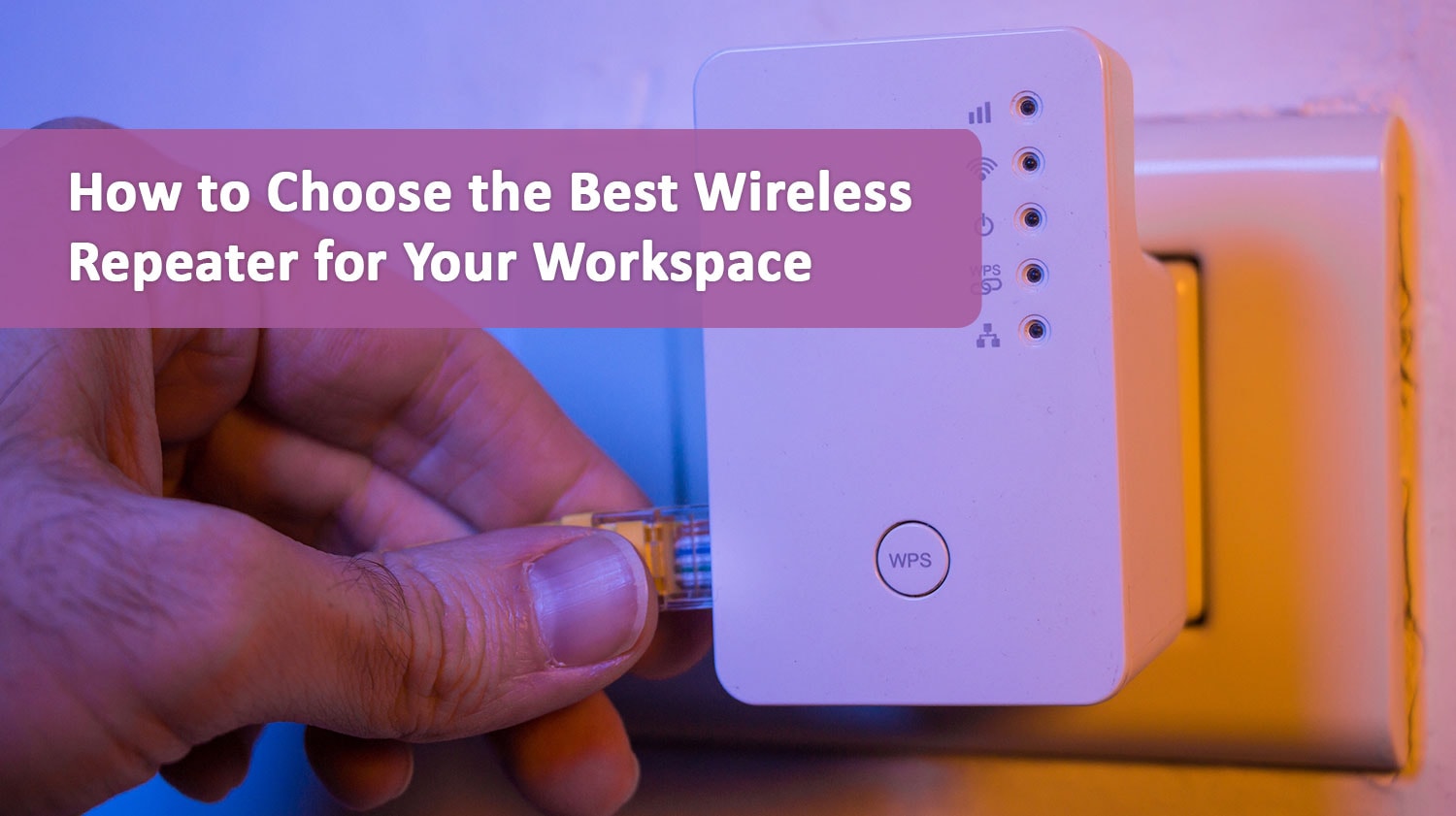
The technology feature you should be looking for here is Wi-Fi Protected Setup (WPS). This can make the process of connecting to the extended network much easier than doing so without WPS. Instead of a 20-digit hardcoded repeater password, you can simply set the repeater to automatically configure itself to the main network – no extra inputs required.
Importantly, both your wireless router and your repeater need to support WPS for this ultra-fast installation to take place. Look for a WPS button on the back of your router, or a symbol with two circular arrows in a yin-yang shape – consult your router’s manual if you have trouble.
When Will a Cheaper Device Work?
If your office runs on an older network protocol like 802.11n, then you won’t need to buy a top-shelf wireless repeater. It wouldn’t be able to take advantage of the network features that more modern network protocols offer.
In this case, an inexpensive wireless repeater will do the job of extending your wireless range, generally at a price of less than $40. It will restrict you to the 2.4 GHz spectrum, but that will remain the case until the office updates its network infrastructure.
You will notice an appreciable slow-down in the area that the wireless repeater covers. But you will have Wi-Fi connectivity and be able to complete most tasks short of high-speed, low-latency activities like intense gaming.
If you are using a modern network protocol, a more powerful device will provide a better overall performance. 5.0 GHz routers run faster and generally have longer ranges, making them better-suited to office environments that need wireless repeaters for full coverage.
Looking to extend Wi-Fi coverage in your office? Talk to our team today and find out how you can maximize cost-efficiency in the process.